
Interactive Demo Platform
Exceptional product demos
in minutes, not days
Capture your product, build guided walkthroughs, and share interactive demos that accelerate every stage of the buyer journey.
Trusted by teams at
Creating elegant product demos
doesn't have to be painful
Pixel-perfect captures in one click
Our Chrome extension captures any web application as a high-fidelity screenshot or video clip. No staging environments, no dev resources.
- Full-page and element-level captures
- Automatic asset optimization
- Video recording with annotations
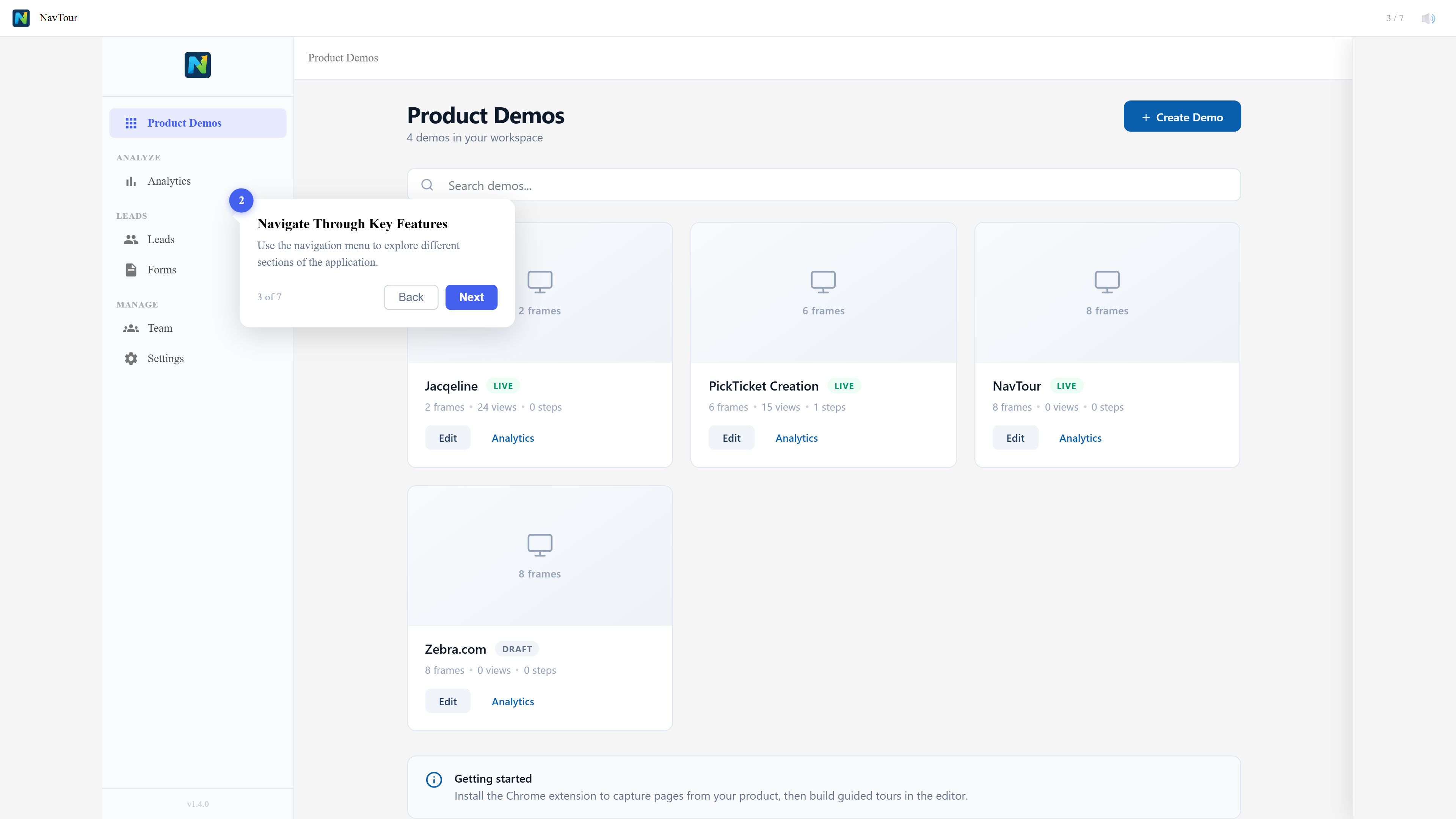
Interactive HTML walkthroughs
Capture your product as real HTML and CSS, then overlay guided tooltips, hotspots, and branching logic. Visitors click through your actual UI.
- Tooltips, modals, and hotspot annotations
- Branching paths based on user choice
- Personalization tokens like {{company}}
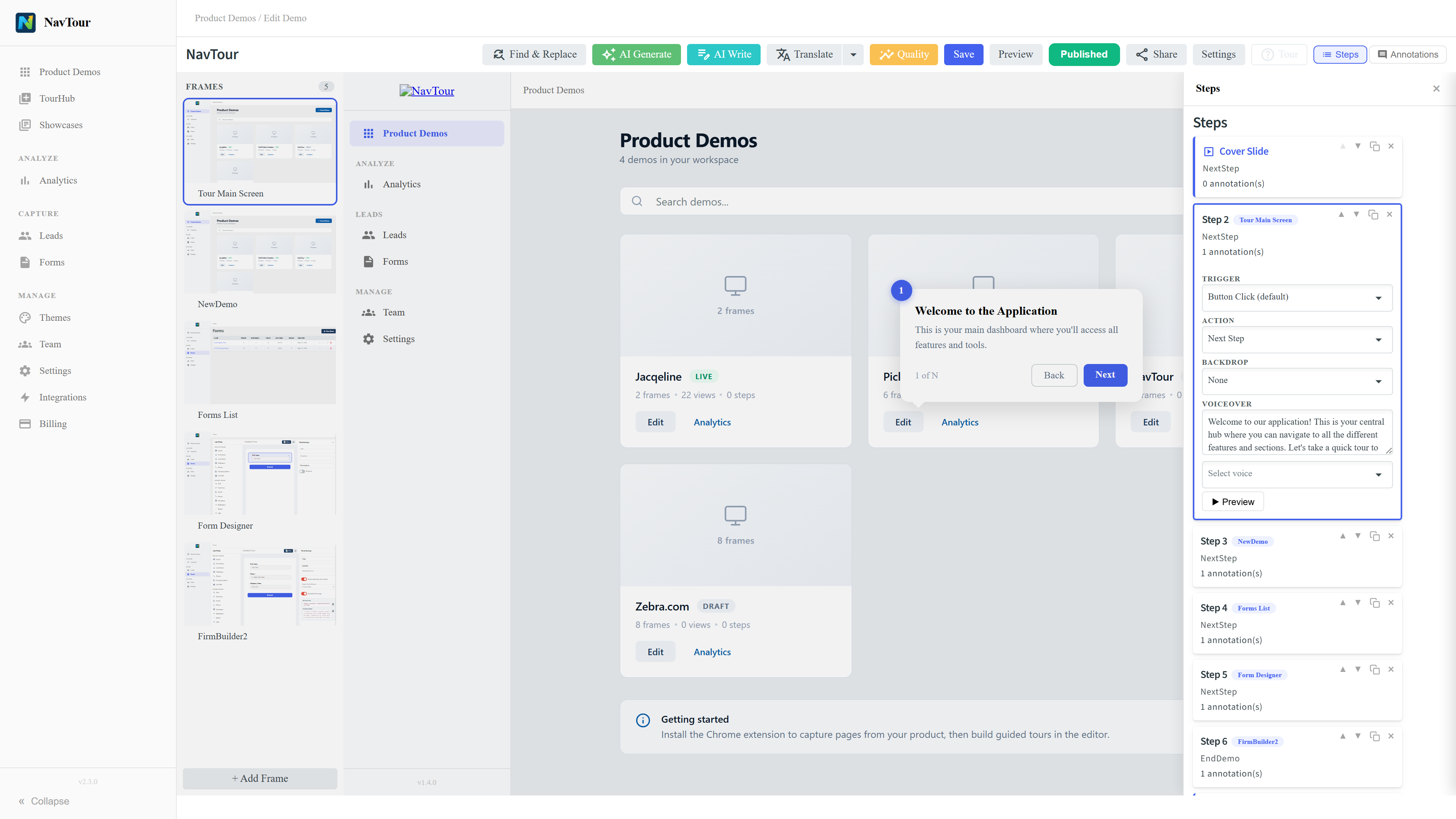
A centralized demo library
Organize demos by persona, use case, or product line. Let prospects self-serve the right demo at the right time without waiting for sales.
- Filterable demo collections
- Embeddable on your website
- Lead capture gates per demo
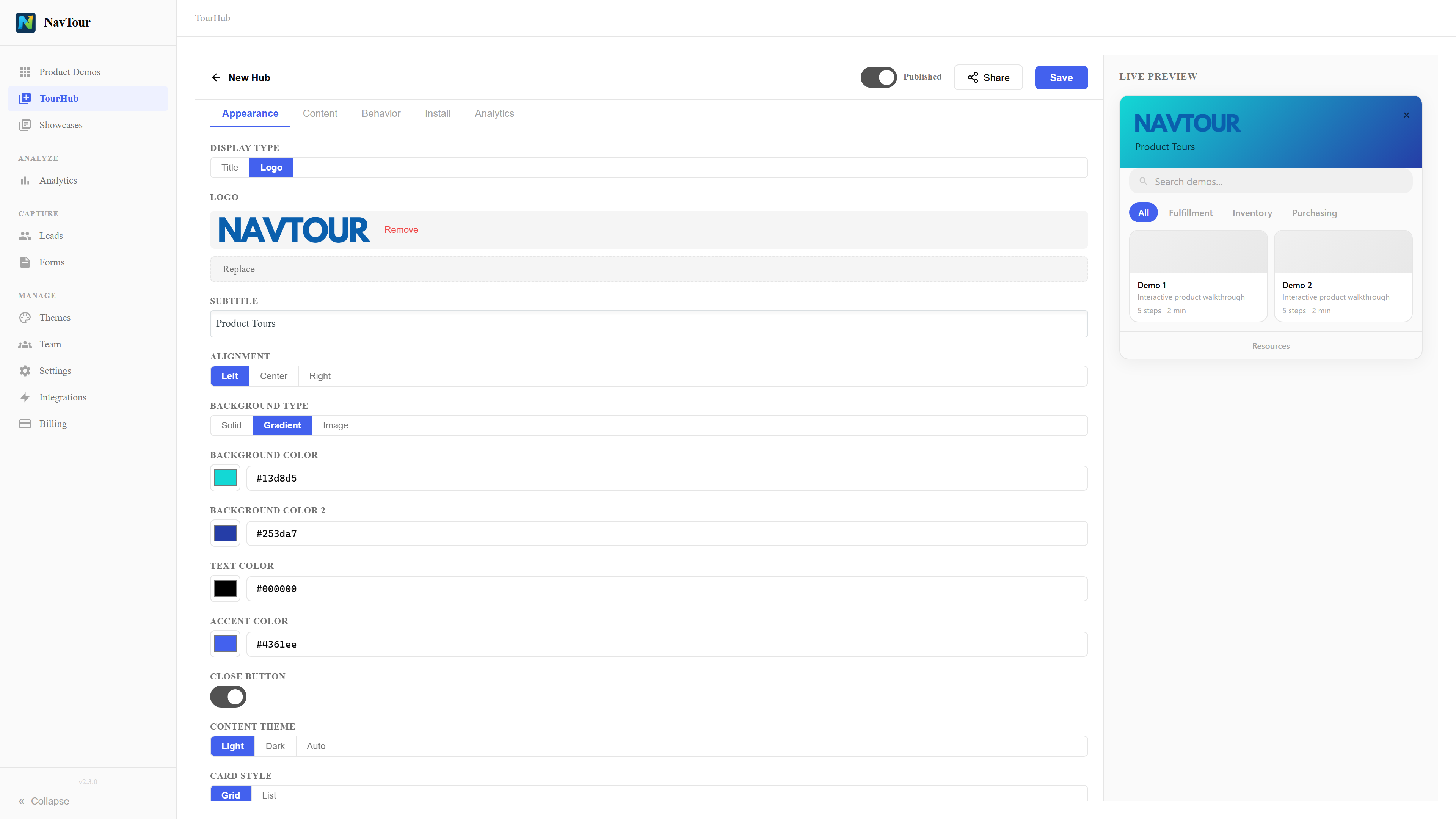
Know what moves the needle
Track who viewed your demos, how far they got, and which features generated the most interest. Feed intent data straight into your CRM.
- Viewer-level engagement analytics
- Drop-off and completion rates
- CRM and Slack integrations
How it works
From capture to conversion in three steps
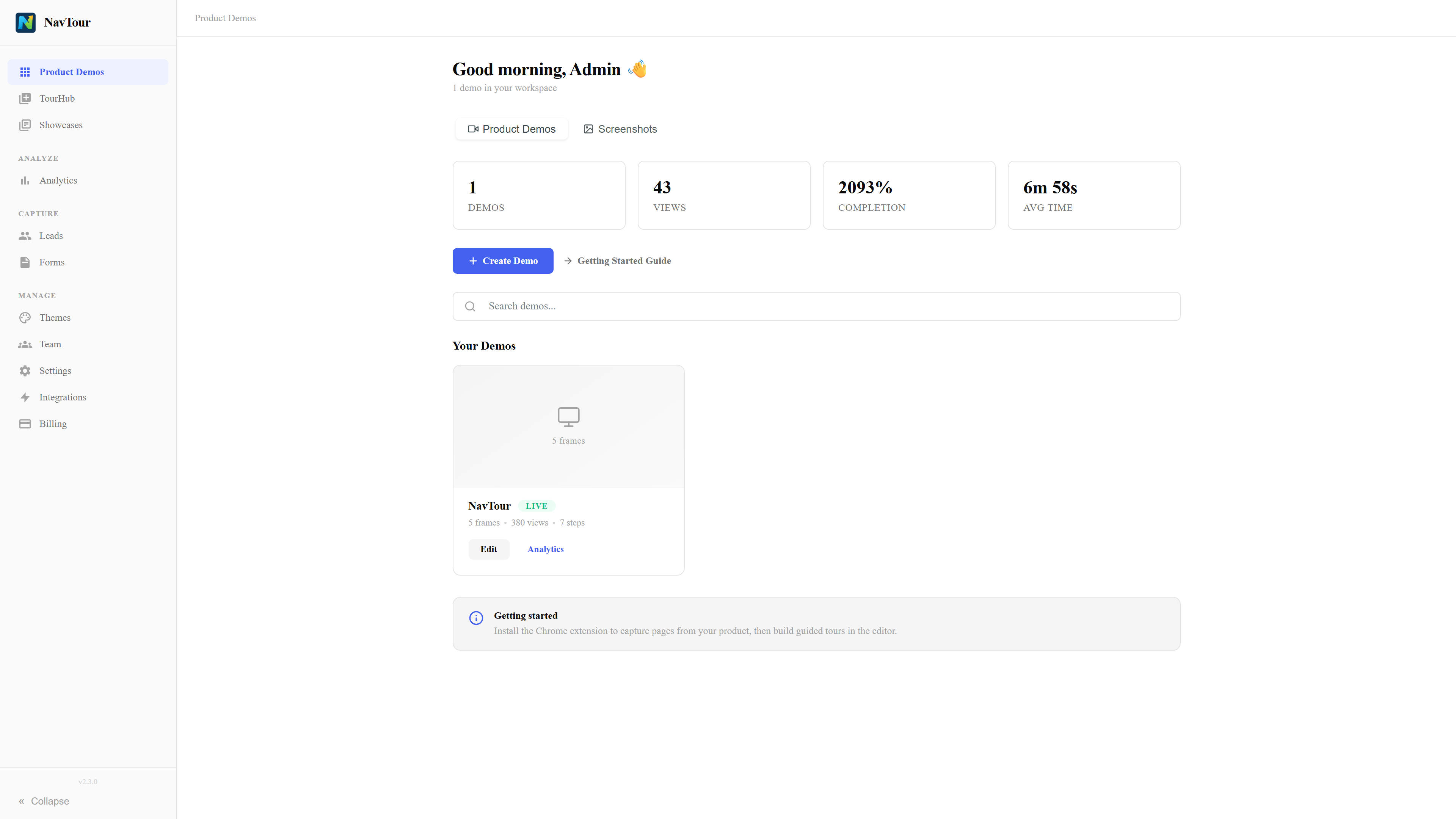
Browser capture that preserves the real product
Our Chrome extension captures any web app as interactive HTML and CSS — not just a flat screenshot. No dev resources, no staging environment required.
- Click-to-capture with our Chrome extension
- HTML/CSS snapshots with full fidelity fixes
- Support for complex dashboards and SPAs
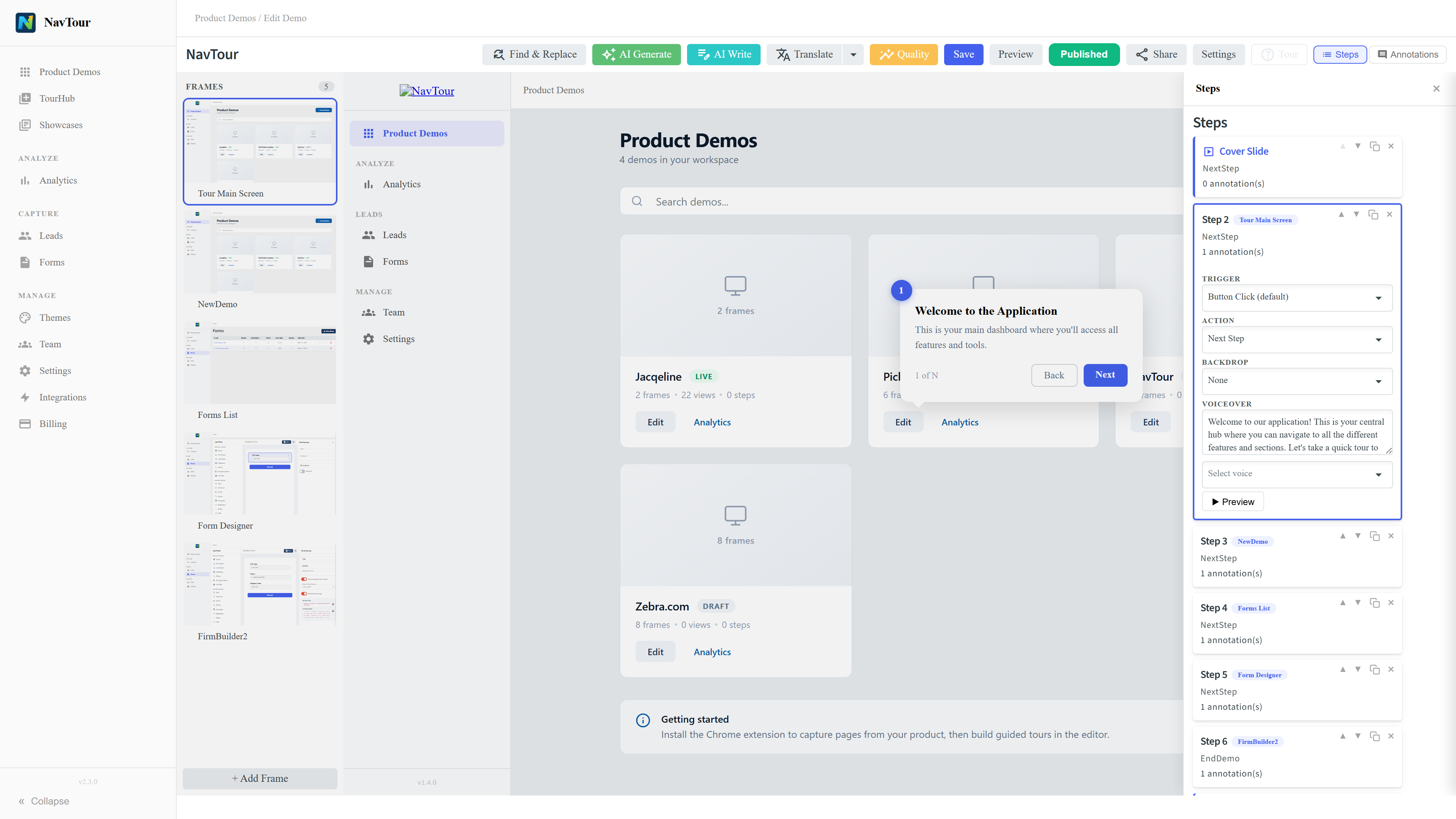
Editor workflow for real guided demos
Add tooltips, hotspots, navigation cards, and branching logic with a point-and-click editor. Publish when ready, keep drafts private until then.
- Annotations, hotspots, and step triggers
- Drawer-based editing for steps and annotations
- Navigation cards with back, next, and finish states
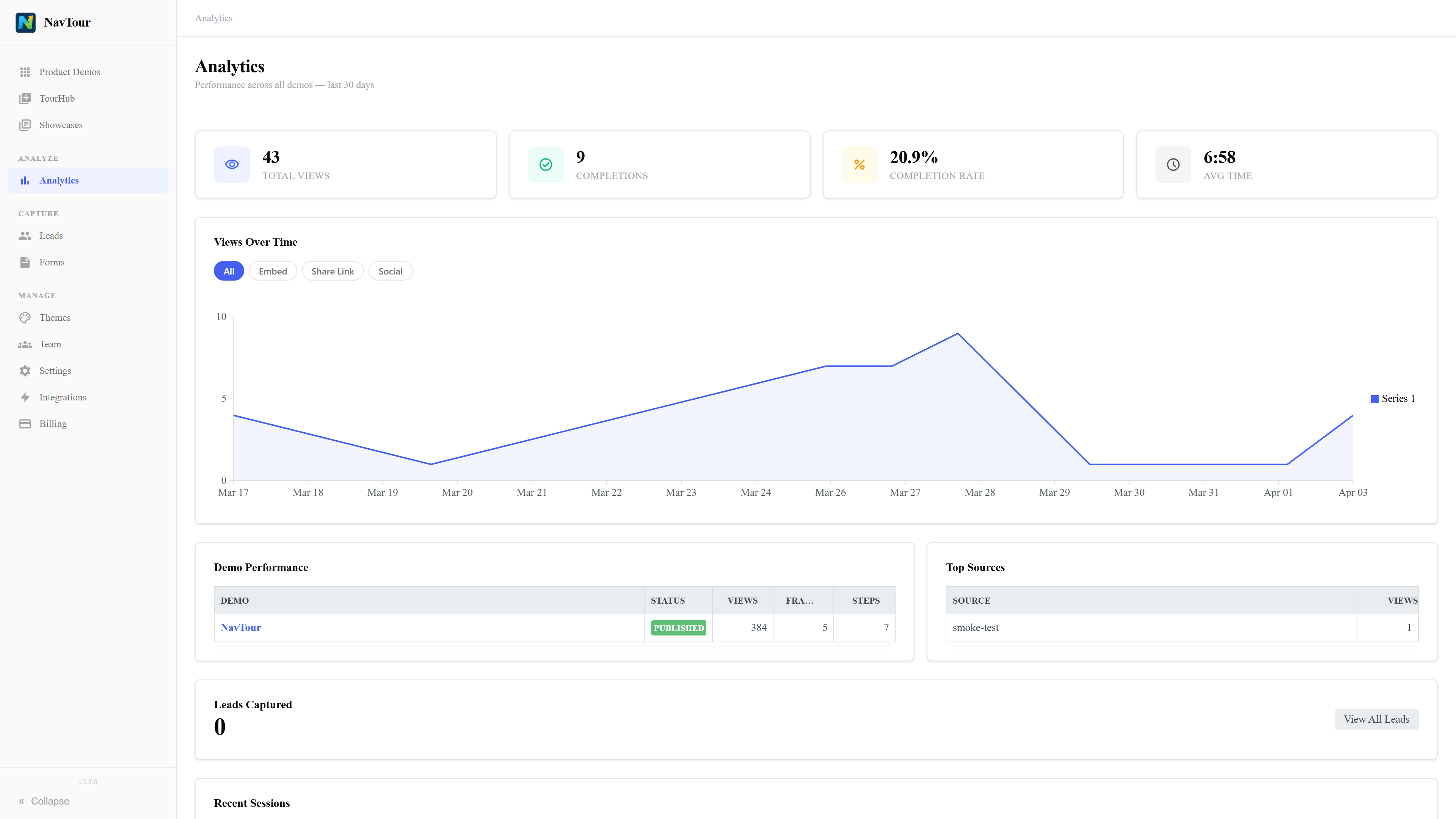
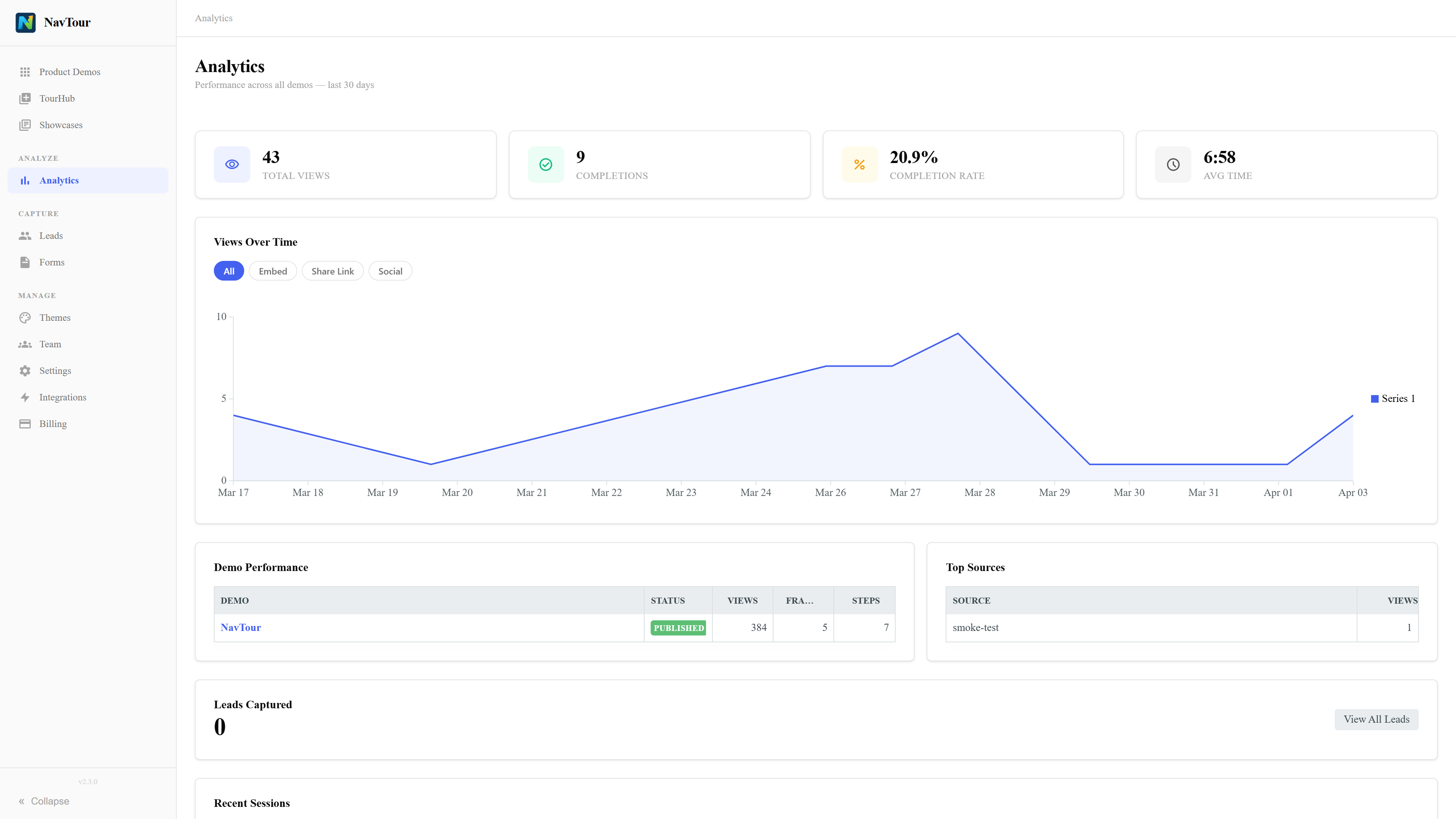
Analytics that show how people actually engage
Track who viewed your demos, how far they got, and which steps drove the most interest. Feed engagement data directly into your CRM.
- Per-demo and global analytics pages
- Step-level completion and engagement data
- Lead capture visibility tied to demo activity
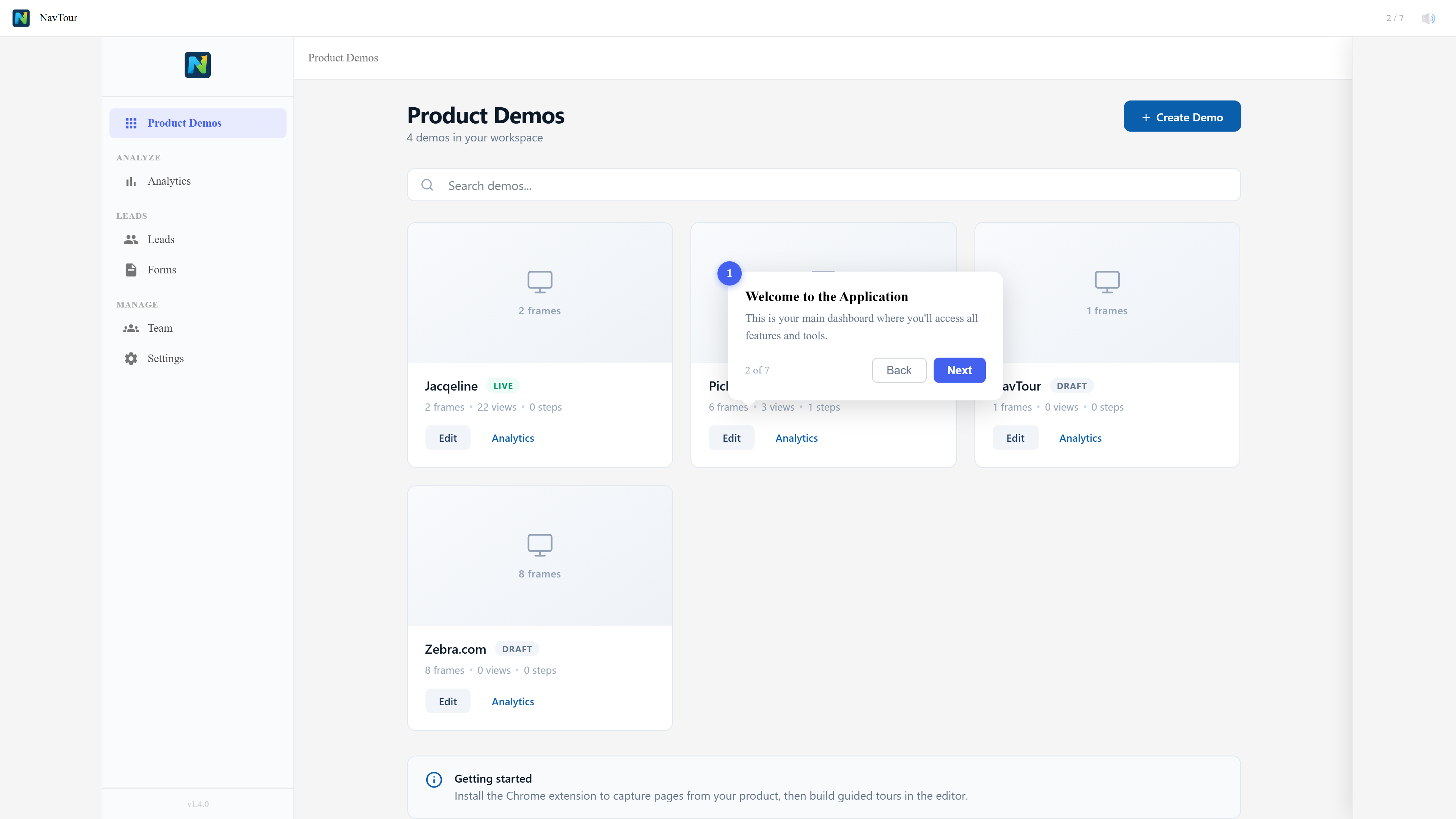
Built for speed and simplicity
No-code builder
Point-and-click editor that anyone on your team can use. No engineering tickets, no staging environments.
AI-powered editing
Let AI generate step descriptions, suggest annotations, and optimize your demo flow for maximum engagement.
Instant personalization
Dynamic tokens replace company names, logos, and data so every prospect sees a demo built for them.
Embed anywhere
Drop demos into your website, knowledge base, sales emails, or ad landing pages with a single embed code.
Start building interactive demos today
Create a free account. No credit card required.